This guide compares the 5 best OpenClaw managed hosting providers in 2026 — from fully managed zero-DevOps platforms to reliable VPS options — so you can pick the right one for your setup.
What Is OpenClaw Managed Hosting?
OpenClaw is an open-source AI agent that runs 24/7, connects to your messaging apps, and takes real actions on your behalf — managing emails, setting reminders, browsing the web, writing code, and more. Unlike a chatbot, it does not wait to be asked. It acts.
But to work correctly, OpenClaw needs a server that is always on. It needs Node.js 22+ installed, an LLM API key configured, and messaging bridges (WhatsApp, Telegram, Discord) set up correctly. Managed hosting means someone else handles all of that infrastructure for you — or gives you a reliable base to build on.
The right hosting choice is the difference between an agent that works reliably every day and one you spend your weekends debugging. Learn more about what OpenClaw can do in our complete beginner's guide.
Self-Hosted vs Managed: What Changes
The hosting decision is not just about cost — it determines how much time you spend on infrastructure versus actually using your AI agent.
The Self-Hosting Challenge
Self-hosting OpenClaw on a VPS gives you full control, but it comes with real responsibilities:
| Challenge | Impact |
|---|---|
| Node.js 22+ installation via NodeSource | Easy to get wrong, breaks installs |
| Gateway service setup (systemd) | Agent goes offline if misconfigured |
| Messaging bridge setup | WhatsApp QR codes expire, Telegram tokens reset |
| API cost monitoring | Runaway loops can drain hundreds overnight |
| Security hardening | Exposed ports create serious vulnerabilities |
| Manual updates | No automatic patching — you manage every upgrade |
The Managed OpenClaw Alternative
Fully managed hosting eliminates DevOps complexity. Infrastructure, updates, security, and channel configuration are handled for you — you just use the agent.
| Benefit | What It Means |
|---|---|
| Instant deployment | Agent live in 60 seconds — no terminal, no configuration |
| All channels pre-configured | Telegram, WhatsApp, Discord, iMessage, and Notion ready immediately |
| Automatic updates | OpenClaw always up to date — no manual patching required |
| Managed security | SSL, firewall, and hardening handled by the provider |
| No 3 AM incidents | Provider monitors and fixes outages — not you |
| Zero technical skill needed | No Linux, no Docker, no Node.js setup required |
How We Ranked These Providers
Rankings are based on the following criteria:
| Criterion | Why It Matters | Weight |
|---|---|---|
| Ease of deployment | Time from signup to running agent | High |
| Total cost of ownership | Server + API + maintenance time | High |
| Channel integration | Pre-configured Telegram, WhatsApp, Discord, iMessage | High |
| Reliability | Uptime guarantees and redundancy | High |
| Scalability | Ability to grow with increased workloads | Medium |
| Support quality | Response time and OpenClaw-specific expertise | Medium |
| Security | Isolation, SSL, backup capabilities | High |
Master Comparison Table
| Rank | Provider | Setup Time | Monthly Cost | Best For | Difficulty |
|---|---|---|---|---|---|
| 🥇 1 | Ampere.sh | 60 seconds | Free starter credits | Zero DevOps users | Easy |
| 🥈 2 | Railway | 30–60 min | $5+/mo usage | Rapid prototyping | Easy–Medium |
| 🥉 3 | DigitalOcean | 1–2 hours | $6+/mo + API | Developers | Medium |
| 4 | Hetzner | 1–2 hours | €3.29+/mo + API | EU users, privacy | Medium |
| 5 | Hostinger | 2–4 hours | $4.99+/mo + API | Budget self-hosting | Medium |
🥇 1. Ampere.sh — Best for Zero DevOps Deployment
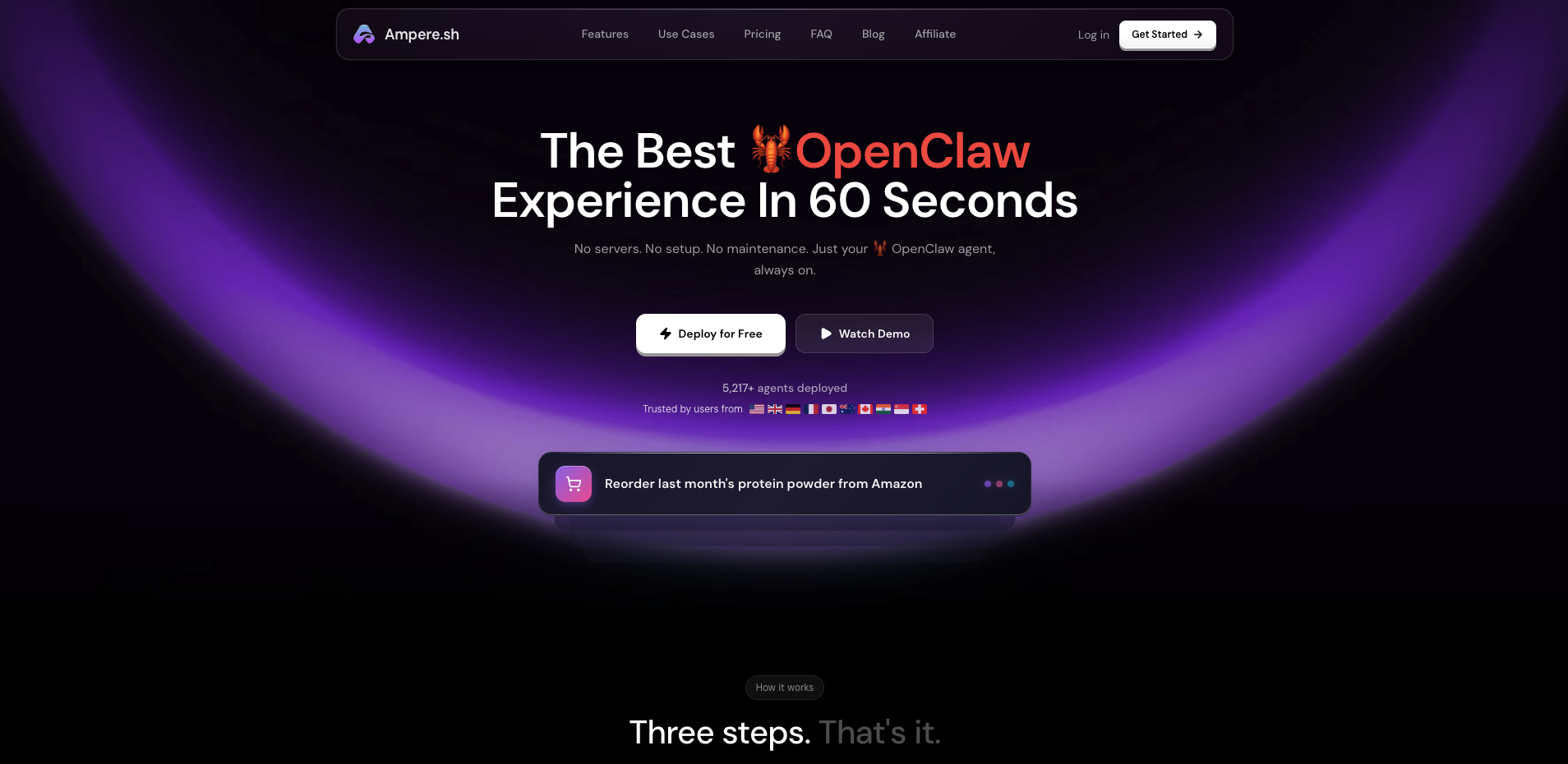
Ampere.sh is the only fully managed OpenClaw hosting platform built specifically for AI agents. While every other provider on this list still requires you to SSH into a server, configure Node.js, and wire up your messaging channels manually — Ampere.sh handles all of that automatically.
Sign up, connect your LLM API key, and your agent is live in under 60 seconds. No terminal. No Docker. No 3 AM debugging. The entire experience is designed around one goal: getting your OpenClaw agent running as fast as possible, on every channel you use.
Ampere.sh is the only provider on this list that supports all five OpenClaw messaging channels out of the box — Telegram, WhatsApp, Discord, iMessage, and Notion. Every other option requires manual setup for each one.
Key Features
- 60-second deployment — sign up and your agent is live immediately, no configuration required
- All 5 channels pre-configured — Telegram, WhatsApp, Discord, iMessage, and Notion work out of the box
- Free starter credits — try it without committing to a paid plan
- Fully managed infrastructure — server, updates, backups, SSL, and security handled automatically
- OpenClaw-native support — the team knows the platform, not just the server
- Skill marketplace integration — install ClawHub skills directly from the dashboard
How to Get Started
- Visit ampere.sh and create your account
- Add your LLM API key (Claude, GPT-4o, Gemini, or Ollama)
- Connect your first channel — Telegram, WhatsApp, or Discord
- Start chatting with your agent
No Docker. No SSH. No SSL certificates to configure.
Pros & Cons
| Pros | Cons |
|---|---|
| ✅ Instant deployment — zero technical setup | ❌ Less raw server control than a VPS |
| ✅ All 5 messaging channels pre-configured | ❌ Dependent on platform availability |
| ✅ Free starter credits to try before paying | |
| ✅ Automatic updates and security patches | |
| ✅ OpenClaw-specific support team | |
| ✅ Skills marketplace built in |
Best for: Non-technical users, busy professionals, small teams, and anyone who wants a working AI agent on all their messaging apps without managing infrastructure.
🥈 2. Railway — Best for Rapid Deployment
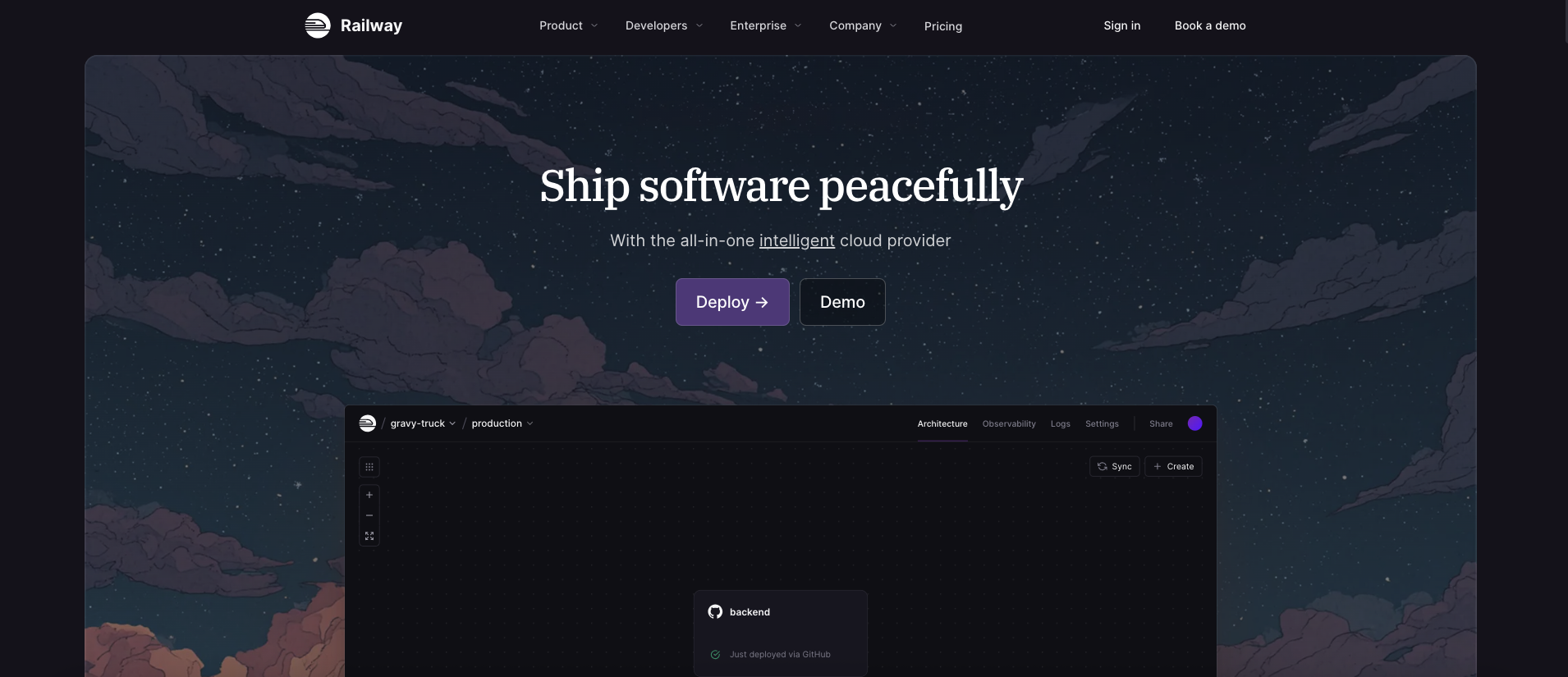
Railway is a modern cloud platform that lets you deploy applications directly from a Git repository with minimal configuration. For developers who are comfortable with code but want to skip manual server management, Railway offers a compelling middle ground between fully managed and raw VPS hosting.
With Railway, you push your OpenClaw configuration to a repository and the platform handles building, deploying, and running the service. Auto-scaling, automatic restarts, and environment variable management are built in — no systemd service files required.
Key Features
- Git-push deployment — push to your repo and Railway deploys automatically
- Auto-restart — service restarts automatically on crash, no manual intervention
- Usage-based billing — pay only for what you use, no fixed monthly commitment
- Environment variables UI — manage API keys and config through a clean dashboard
- Persistent volumes — OpenClaw memory and config stored reliably across redeploys
How to Deploy OpenClaw on Railway
- Create a Railway account at railway.app
- Create a new project and connect your GitHub repository
- Add a new service from your repo containing your OpenClaw config
- Set environment variables:
OPENCLAW_API_KEY,NODE_ENV=production - Add a persistent volume mounted to
~/.openclaw - Deploy — Railway builds and runs your agent automatically
# Install OpenClaw first (runs once during build)
curl -fsSL https://openclaw.ai/install.sh | bash
export PATH="$(npm prefix -g)/bin:$PATH"
openclaw start
Pros & Cons
| Pros | Cons |
|---|---|
| ✅ No server management required | ❌ Messaging channels still need manual setup |
| ✅ Git-push deployment workflow | ❌ Usage costs can be unpredictable |
| ✅ Auto-restart and auto-scaling built in | ❌ No OpenClaw-specific templates or support |
| ✅ Clean environment variable management | ❌ Persistent storage requires extra config |
| ✅ Great for developers already using Git |
Best for: Developers who want a Git-based workflow without managing servers, and are comfortable setting up messaging integrations manually.
🥉 3. DigitalOcean — Best for Developers
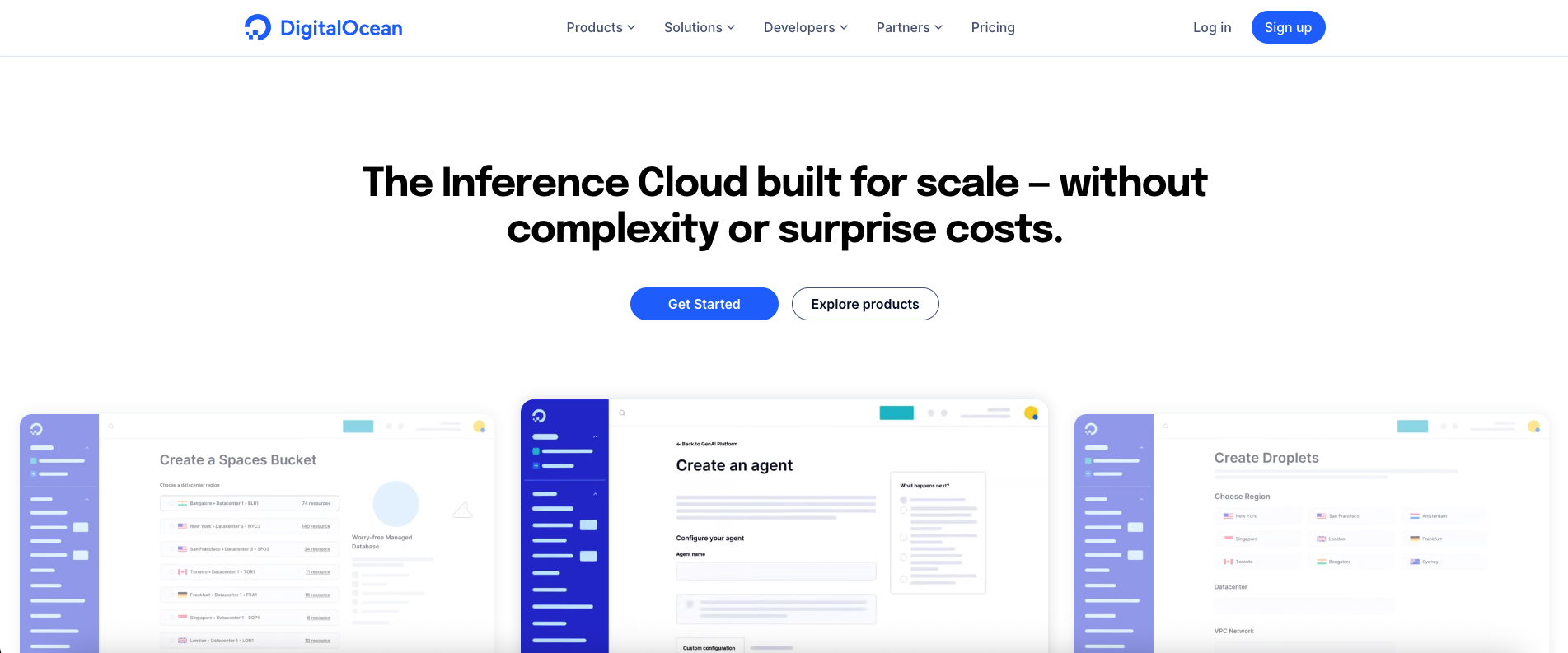
DigitalOcean has built a reputation for excellent documentation, a clean interface, and predictable pricing. For developers familiar with Linux and Docker, deploying OpenClaw on a DigitalOcean Droplet is one of the most reliable and well-documented self-hosting paths available.
Their extensive tutorial library covers Docker, Node.js deployment, and systemd service configuration — all of which you need to run OpenClaw reliably. The community is large and StackOverflow answers for common problems are easy to find. DigitalOcean also has a dedicated OpenClaw deployment guide available.
Key Features
- Droplets — simple, predictable-priced virtual machines starting at $6/mo
- One-click Docker — marketplace apps simplify initial server setup
- Extensive documentation — step-by-step guides for every common configuration
- Managed databases — if you want to store OpenClaw memory externally
- Built-in monitoring — CPU, RAM, and bandwidth metrics included
- Firewall rules — easy to block port 18789 and lock down your agent
How to Deploy OpenClaw on DigitalOcean
- Create a Droplet — Ubuntu 22.04, minimum 2 GB RAM / 1 vCPU ($12/mo recommended)
- SSH into your server and install Node.js via NodeSource
- Run the OpenClaw installer
- Enable the gateway service with systemd
- Set up firewall rules to block port 18789 from public access
# Install Node.js 22 via NodeSource
curl -fsSL https://deb.nodesource.com/setup_22.x | sudo -E bash -
sudo apt-get install -y nodejs

# Install OpenClaw
curl -fsSL https://openclaw.ai/install.sh | bash
export PATH="$(npm prefix -g)/bin:$PATH"

# Enable gateway service
loginctl enable-linger $USER
systemctl --user enable openclaw-gateway
systemctl --user start openclaw-gateway
Pros & Cons
| Pros | Cons |
|---|---|
| ✅ Exceptional documentation and tutorials | ❌ All self-hosting responsibilities apply |
| ✅ Predictable pricing — no surprises | ❌ Messaging channels need manual setup |
| ✅ Strong developer community | ❌ Support limited to infrastructure issues |
| ✅ Clean, intuitive Droplet interface | ❌ API costs are additional |
| ✅ Easy firewall and monitoring setup |
Best for: Developers who value documentation quality, want predictable pricing, and are comfortable with Linux server management.
4. Hetzner — Best for EU Users and Privacy
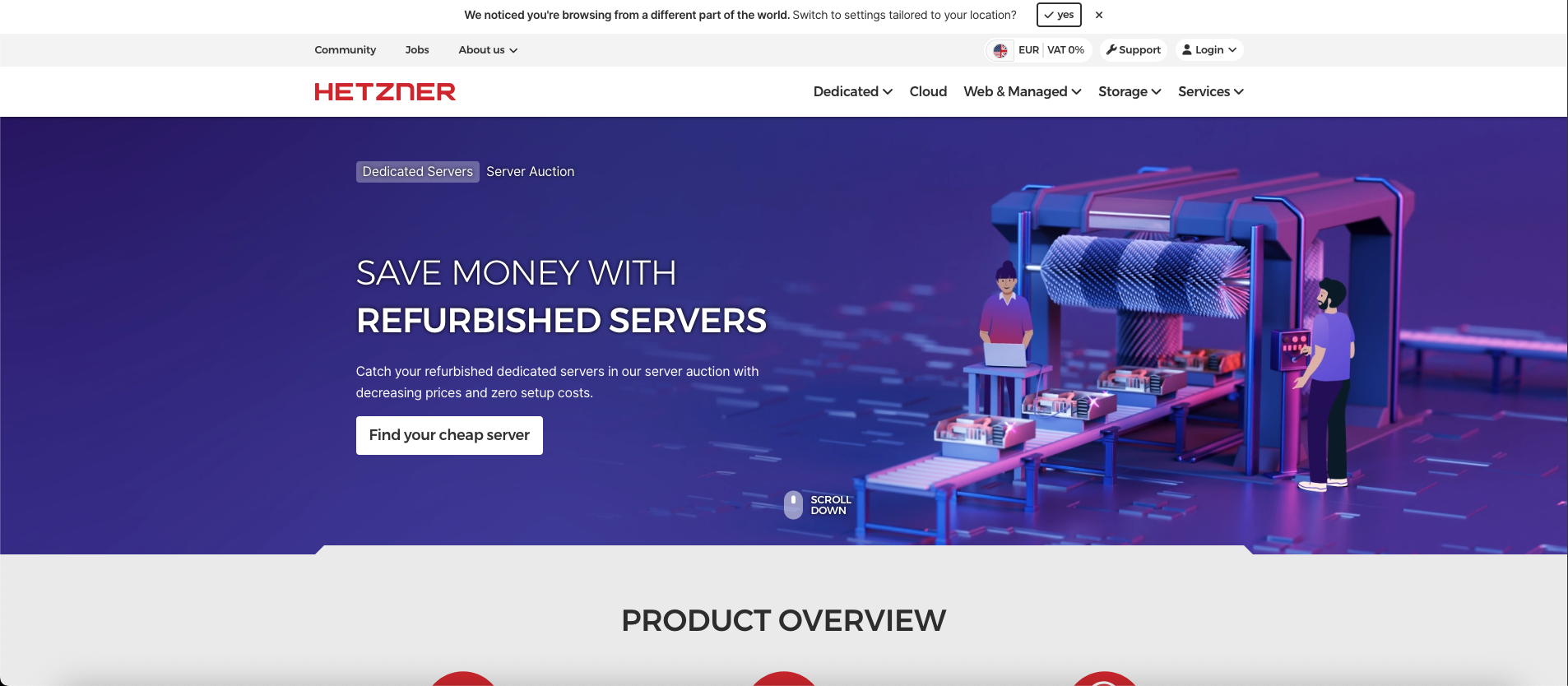
Hetzner is a German cloud provider that offers some of the best price-to-performance VPS plans in Europe. Their CX22 plan (2 vCPU, 4 GB RAM) costs under €5/month and comfortably runs OpenClaw for a single user. For EU-based users who need GDPR-compliant data residency with servers in Germany or Finland, Hetzner is the strongest value option on this list.
Hetzner has no free tier and no OpenClaw-specific tooling, but their infrastructure is reliable, their API is clean, and their support team is responsive. See the full OpenClaw on Hetzner setup guide for step-by-step instructions.
Key Features
- Best EU price-to-performance — CX22 (4 GB RAM, 2 vCPU) at €3.79/mo
- GDPR-compliant data centers — servers in Germany (Nuremberg, Falkenstein) and Finland
- Dedicated IPv4 — stable IP for webhook and messaging bridge setup
- Hetzner Cloud API — automate server creation, snapshots, and scaling
- Floating IPs and load balancers — available if you need to scale beyond one instance
How to Deploy OpenClaw on Hetzner
- Create a Hetzner Cloud account and spin up a CX22 server (Ubuntu 22.04)
- SSH in and install Node.js 22 via NodeSource
- Run the OpenClaw installer and configure your agent
- Enable the systemd gateway service and set linger for your user
- Set up Hetzner Firewall to block port 18789 from public access
# Hetzner: install Node.js 22 and OpenClaw
curl -fsSL https://deb.nodesource.com/setup_22.x | sudo -E bash -
sudo apt-get install -y nodejs
curl -fsSL https://openclaw.ai/install.sh | bash
export PATH="$(npm prefix -g)/bin:$PATH"
openclaw onboard
Pros & Cons
| Pros | Cons |
|---|---|
| ✅ Best price-to-performance in Europe | ❌ No free tier |
| ✅ GDPR-compliant EU data centers | ❌ No OpenClaw-specific templates |
| ✅ Reliable infrastructure and fast SSDs | ❌ All channel setup is manual |
| ✅ Clean API for automation | ❌ API costs are additional |
| ✅ Excellent firewall and network controls |
Best for: EU-based users who want strong data privacy, GDPR compliance, and the lowest-cost reliable VPS in Europe.
5. Hostinger — Best Budget Entry-Level VPS
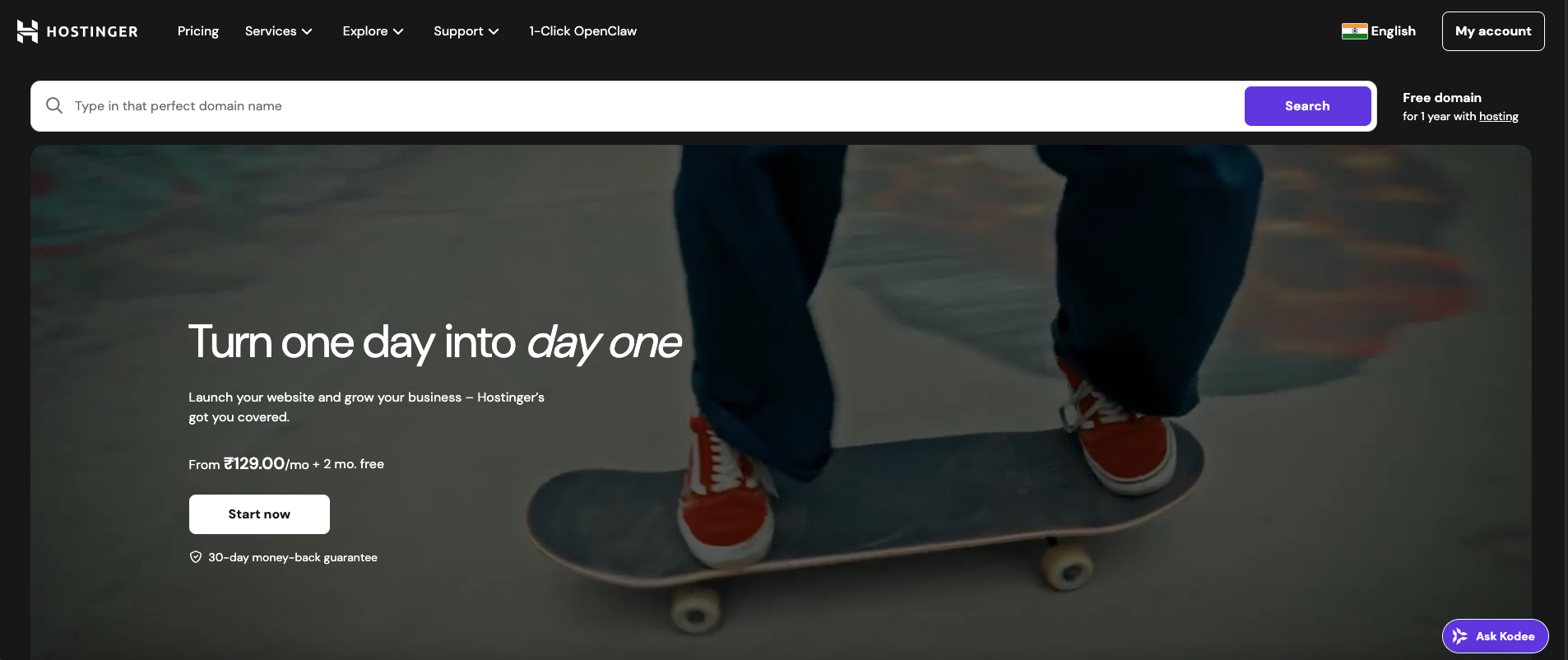
Hostinger offers the cheapest VPS plans on this list at $4.99/month, making it the go-to option for users who want full server control at the lowest possible cost. Their custom hPanel simplifies VPS management compared to raw SSH, and their 24/7 live chat support is genuinely useful for beginners.
The tradeoff is that Hostinger VPS still requires you to install Node.js, configure OpenClaw, set up your messaging bridges, and manage everything ongoing. You also need to pay for your LLM API separately. See the full OpenClaw on Hostinger deployment guide for complete setup instructions.
Key Features
- Cheapest VPS — plans start at $4.99/month (2 GB RAM, 1 vCPU, 20 GB NVMe SSD)
- hPanel control panel — simpler than raw SSH for beginners
- NVMe SSD storage — fast read/write speeds for agent operations
- 99.9% uptime SLA — reliable infrastructure across 4 global regions
- 24/7 live chat — responsive support for server-level issues
How to Deploy OpenClaw on Hostinger
- Purchase a KVM 2 plan or above (minimum 2 GB RAM recommended for OpenClaw)
- Use hPanel to access your server terminal or SSH in directly
- Install Node.js 22 via NodeSource — do NOT use
apt install nodejs - Run the OpenClaw installer and complete onboarding
- Enable the openclaw-gateway systemd service
# Important: use NodeSource, not apt install nodejs
curl -fsSL https://deb.nodesource.com/setup_22.x | sudo -E bash -
sudo apt-get install -y nodejs

# Verify version (must be 22+)
node --version

# Install and start OpenClaw
curl -fsSL https://openclaw.ai/install.sh | bash
export PATH="$(npm prefix -g)/bin:$PATH"
openclaw onboard
Pros & Cons
| Pros | Cons |
|---|---|
| ✅ Lowest base hosting cost ($4.99/month) | ❌ Requires Docker and Linux knowledge |
| ✅ hPanel simplifies server management | ❌ Manual channel and bridge setup |
| ✅ NVMe SSD for fast agent operations | ❌ You handle all updates and security |
| ✅ 24/7 live chat for server issues | ❌ API costs are additional |
| ✅ Good global coverage (4 regions) | ❌ No OpenClaw-specific assistance |
Best for: Budget-conscious users who want full server control and are comfortable with basic Linux administration. Ideal for those who prioritize cost savings over convenience.
Which Should You Pick?
The right choice depends entirely on what you value most — speed, control, cost, or privacy.
Choose Ampere.sh if:
- you want your AI agent running in under 60 seconds with zero setup
- you need all 5 channels — Telegram, WhatsApp, Discord, iMessage, and Notion — pre-configured
- you are not a developer or do not want to spend time on infrastructure
- you want managed updates, security patches, and uptime without any effort
- you want to try it for free before committing
For most users, Ampere.sh is the clear first choice. The free starter credits mean there is no reason not to try it first.
Choose a VPS (Hetzner / DigitalOcean / Hostinger) if:
- you are a developer who wants full control over your server configuration
- you need specific hardware, region, or compliance requirements
- you want to run local LLM models via Ollama alongside OpenClaw
- you are comfortable managing Linux servers and troubleshooting on your own
If you go the VPS route, secure your setup with the OpenClaw security hardening guide before going live.
Frequently Asked Questions
What is the best managed hosting for OpenClaw?
What is the cheapest way to host OpenClaw?
Do I need Docker to host OpenClaw?
Can I connect OpenClaw to WhatsApp on managed hosting?
Is Hetzner good for OpenClaw hosting?
How much RAM does OpenClaw need?
Get Your OpenClaw Agent Running in 60 Seconds
Ampere.sh is the fastest way to deploy OpenClaw — no server, no Docker, no configuration. Connect to WhatsApp, Telegram, Discord, iMessage, or Notion with free starter credits.
Start Free on Ampere.sh →